· Fuzal
Firebase Pulse 1.1.0: Six Firebase Services in One Android Workspace
Explore Storage, Authentication, Remote Config, Crashlytics, Performance, and Analytics in Firebase Pulse, with real Android screenshots and validation de...
Firebase Pulse is expanding its Android project workspace with management screens for Storage, Authentication, Remote Config, Crashlytics, Performance, and Analytics. The 1.1.0 build brings these services into one project-focused view, with direct links to Firebase Console for deeper administration.
This update is about managing connected Firebase projects. It does not require the app itself to collect analytics events or crash reports through those SDKs.
Six services in one workspace
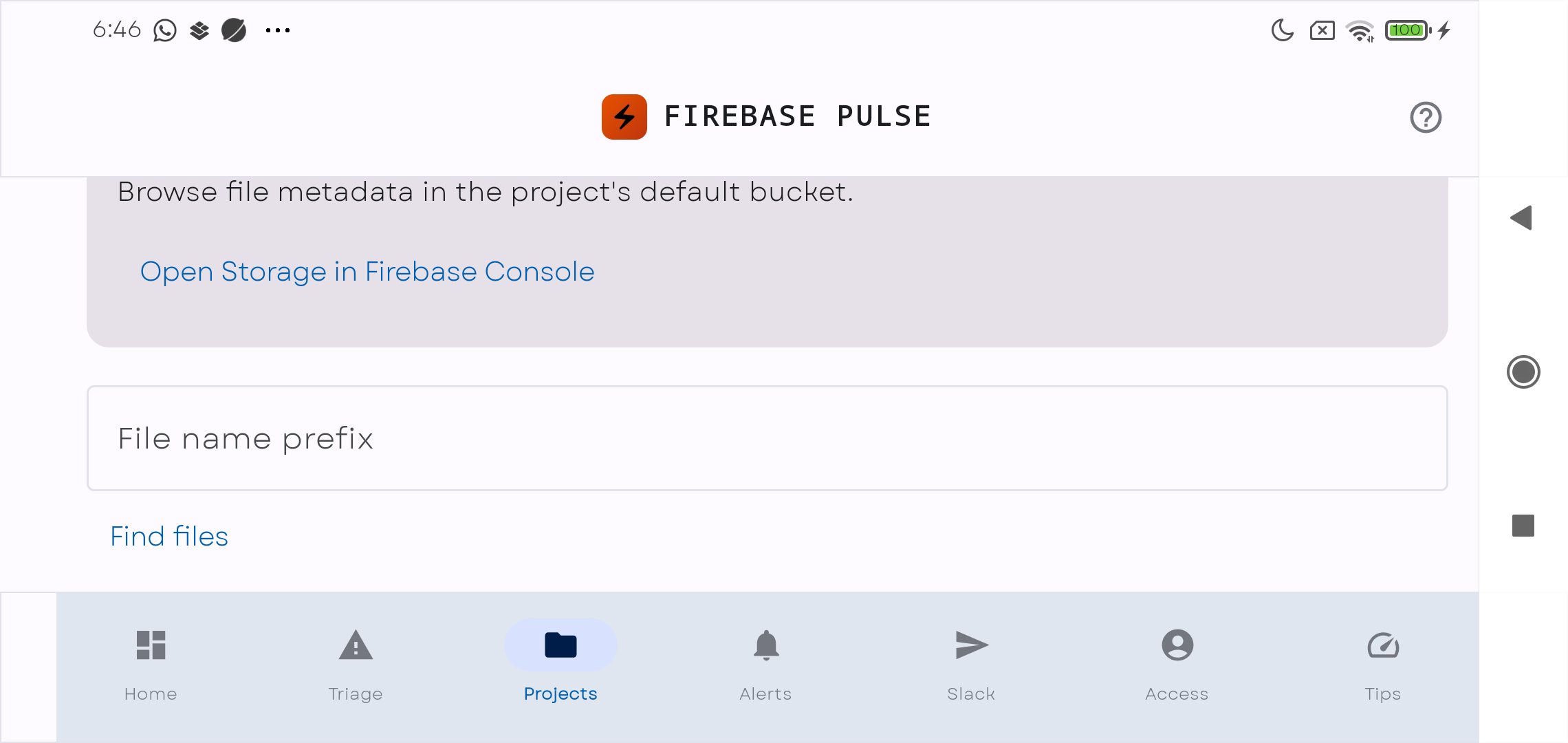
- Storage: browse file metadata in the project's default bucket, narrow results by prefix, and load additional pages.
- Authentication: inspect user identities, email addresses, providers, verification state, and disabled status. Account administration remains available through Firebase Console.
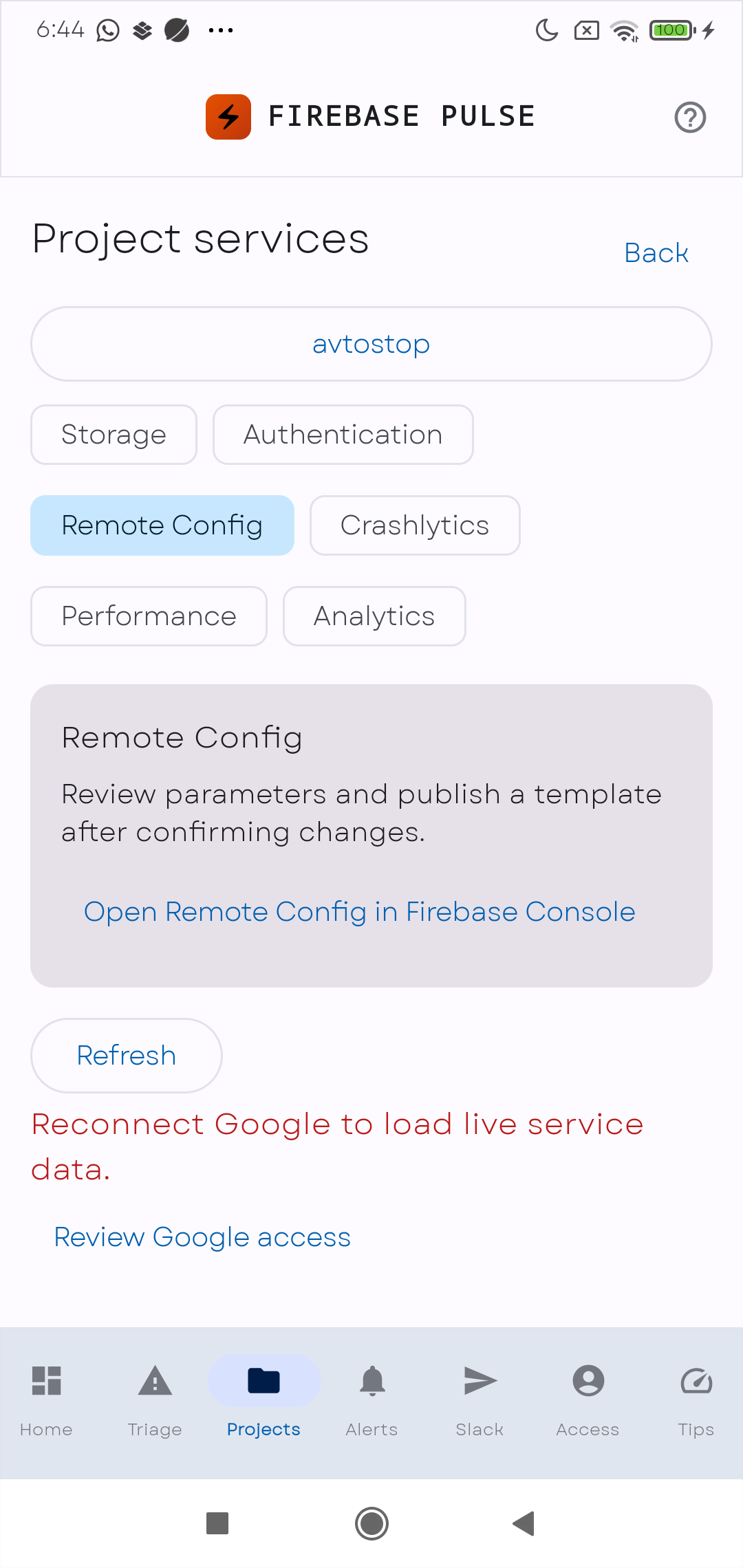
- Remote Config: inspect parameters, parameter groups, conditions, and template version details; edit the JSON template; review and confirm publication.
- Crashlytics: choose a registered app, discover available reports, and browse paginated aggregate report results. The default reporting window is seven days.
- Performance: browse available BigQuery export datasets and tables, then inspect trace samples and durations. This requires an existing Performance export; Firebase Console provides the fuller charts and alert workflow.
- Analytics: view active users, sessions, and event counts for a linked Google Analytics property across the previous seven complete days.
A safer Remote Config workflow
Remote Config is the write-capable part of this update. The app presents the template for inspection and editing, then requires review and confirmation before sending a publish request. Publication uses the template's ETag with an If-Match condition. If another administrator changes the template in the meantime, the request can detect that conflict instead of blindly overwriting the newer version.
Storage browsing, Authentication inspection, report retrieval, and Analytics summaries are focused on reading information. More extensive operations are reachable through service-specific Console links.
Designed for a phone, in either orientation
Open Projects, select Explore Firebase services, choose a project, and select a service. Requests load when needed, and longer lists use bounded pagination. Switching accounts clears service state so information from the previous account does not remain in the next account's view.
The screens were checked on a connected Android phone in portrait and landscape. In landscape, scrolling keeps service details and Console actions reachable despite the shorter display height.
Access requirements and validation
Existing users need to reconnect Google to grant the added service permissions. Access also depends on the account's project roles, enabled APIs, a linked Analytics property, and available exports. Performance data requires BigQuery export setup; an empty or unavailable export cannot produce trace samples.
API responses are bounded, lists are paginated, and sensitive service responses, templates, and access tokens are not written to application logs or persisted as service data. Performance browsing reads exported table rows rather than launching BigQuery query jobs.
Validation completed with 143 Android tests and 20 Python automation tests, a successful debug build, and USB checks of all six service screens in both orientations. Live account-backed API reads and a real Remote Config publication are still pending the Google reconnection. The screenshots show that access state honestly; they are not evidence of populated live reports.
This article documents the implemented and locally installed 1.1.0 build. It does not announce a Google Play rollout. The next verification step is to reconnect the Google account and exercise each available service with its actual project permissions.
Firebase Pulse now offers a broader starting point for project inspection on Android, while keeping deeper administration close at hand through Firebase Console.